2 min read
resume-cli: Hit Claude Code Limits? Resume Your AI Coding Session in Codex or Copilot
resume-cli lists your recent Claude Code, Codex and Copilot sessions in one place and lets you continue any of them in another tool. Free, open source, one shell function.
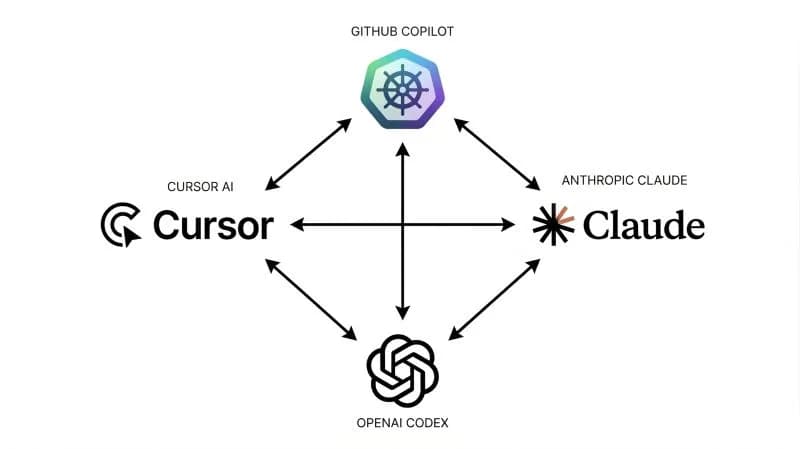
Hit Claude limits? Don't feel defeated. I built a small CLI tool to seamlessly resume your AI coding sessions in Copilot or Codex: resume-cli.
The problem: usage limits in the middle of a session
If you work with AI coding agents all day, you know the moment. You are deep into a session, the agent has all the context, and you hit your usage limit. Starting over in another tool means explaining everything again.
resume-cli removes that friction.
What resume-cli does
It is an interactive terminal UI that lists your recent sessions from Claude Code, Codex and Copilot in one place. You select a session, choose which tool to continue in, and you're back to work.
▶ Claude Code    Apr 07 14:32  2h ago    refactor the auth middleware
  Copilot        Apr 07 11:05  5h ago    add pagination to the API
  Codex          Apr 06 09:14  1d ago    fix the flaky test in parser

Continue in: ◀ Claude Code ▶   ↑↓ navigate · tab: switch tool · ↵ launch · q quit
Use the arrow keys to pick a session, Tab to cycle the target tool, Enter to launch, and q or Esc to quit. Only tools installed on your machine show up.
How it works
Sessions are read directly from each tool's local storage:
| Tool | Session directory |
|---|---|
| Claude Code | ~/.claude/projects/ |
| Codex | ~/.codex/sessions/ |
| Copilot | ~/.copilot/session-state/ |
Same-tool resume uses the tool's native --resume <uuid> flag. No data is copied or converted.
Cross-tool resume starts the target tool with an initial message pointing to the original session file. The AI reads it and continues from where you left off, with the full conversation history as context.
Install
The quickest way: ask your AI agent to install it for you.
Or add a resume function to your shell profile. For bash, in ~/.bashrc:
resume() {
  local cmd
  cmd=$(FORCE_COLOR=3 npx -y ai-resume-cli@latest)
  [ $? -eq 0 ] && [ -n "$cmd" ] && eval "$cmd"
}
Reload your shell and type resume from anywhere. The README also has versions for zsh, fish and PowerShell. You need Node.js 18+ and at least one of Claude Code, Codex or Copilot CLI. It runs on macOS, Linux and Windows.
Have fun!